AI Eraser: Background Remover
Remove backgrounds from photos instantly with AI. Create transparent PNGs, replace backgrounds, and clean up images cleanly.
What is AI Eraser?
AI Eraser is a free background remover by K-UBE that erases photo backgrounds in one tap and exports transparent PNGs.
Category
Photo Editing
Platforms
iOS & Android
Price
Free
Developer
K-UBE Apps
Best for
- Removing the background from a photo
- Making transparent PNG cutouts
- Product and e-commerce photos
- Clean profile pictures
- Design and sticker assets
A free alternative to
AI Eraser is a free alternative to popular apps like:
Screenshots
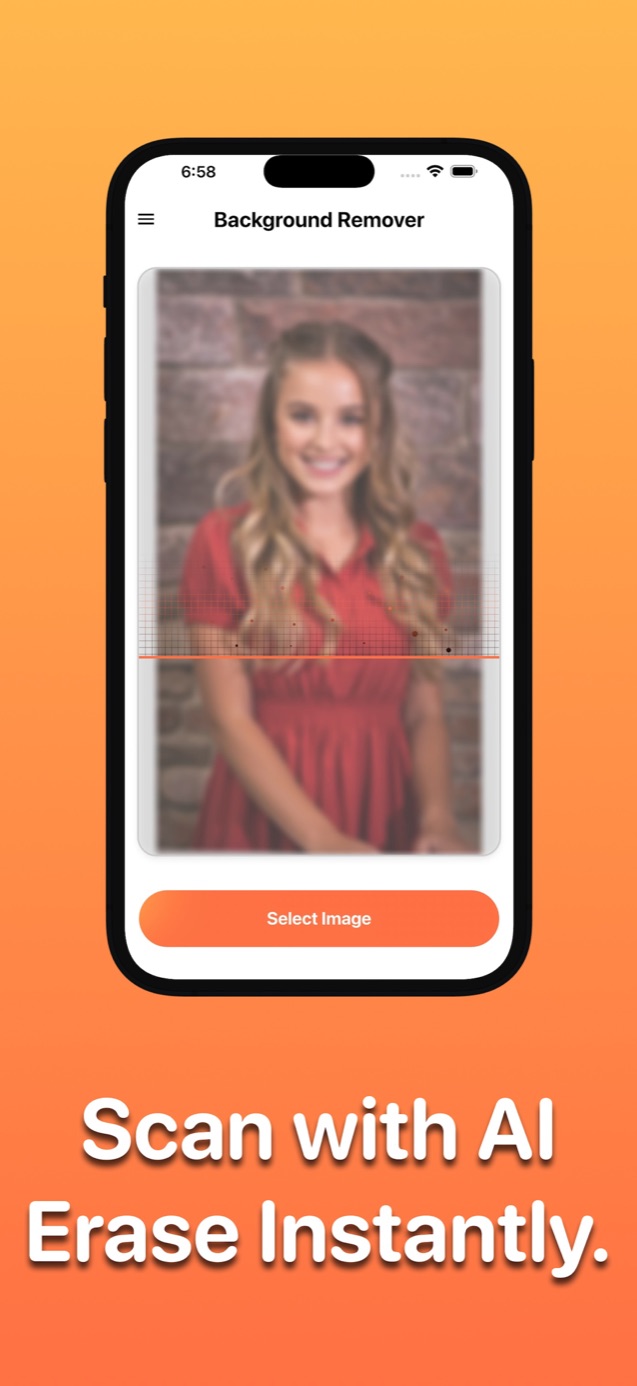
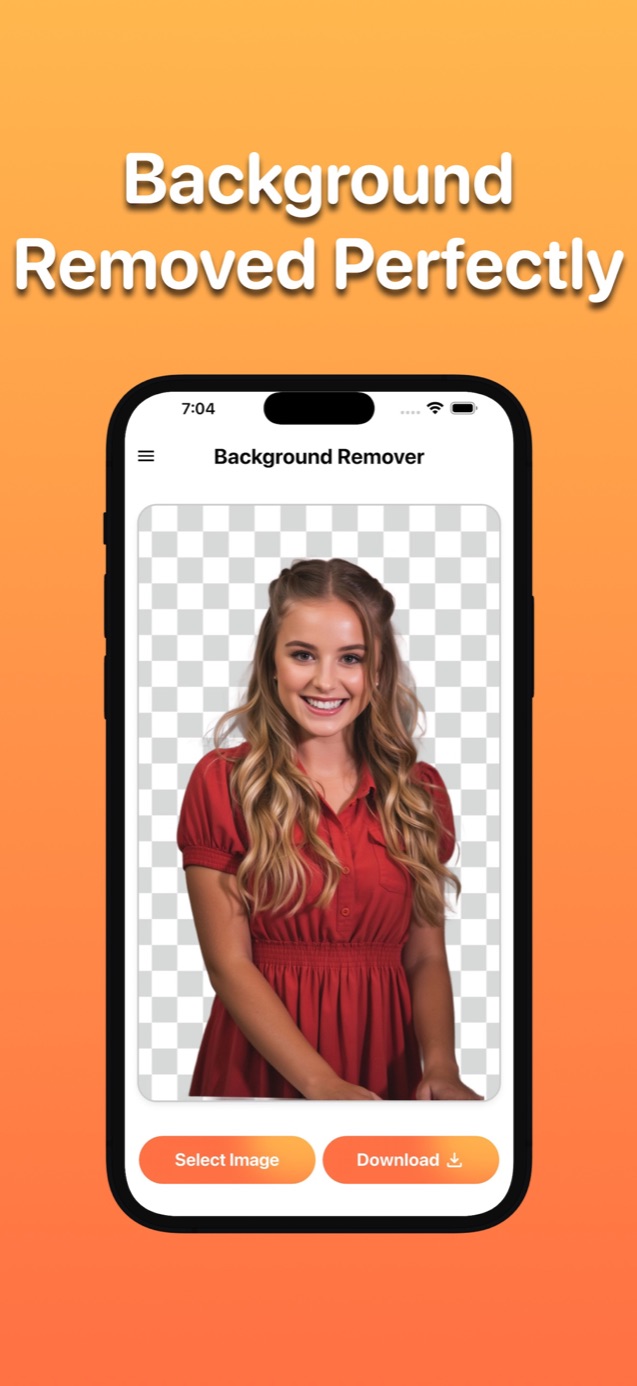
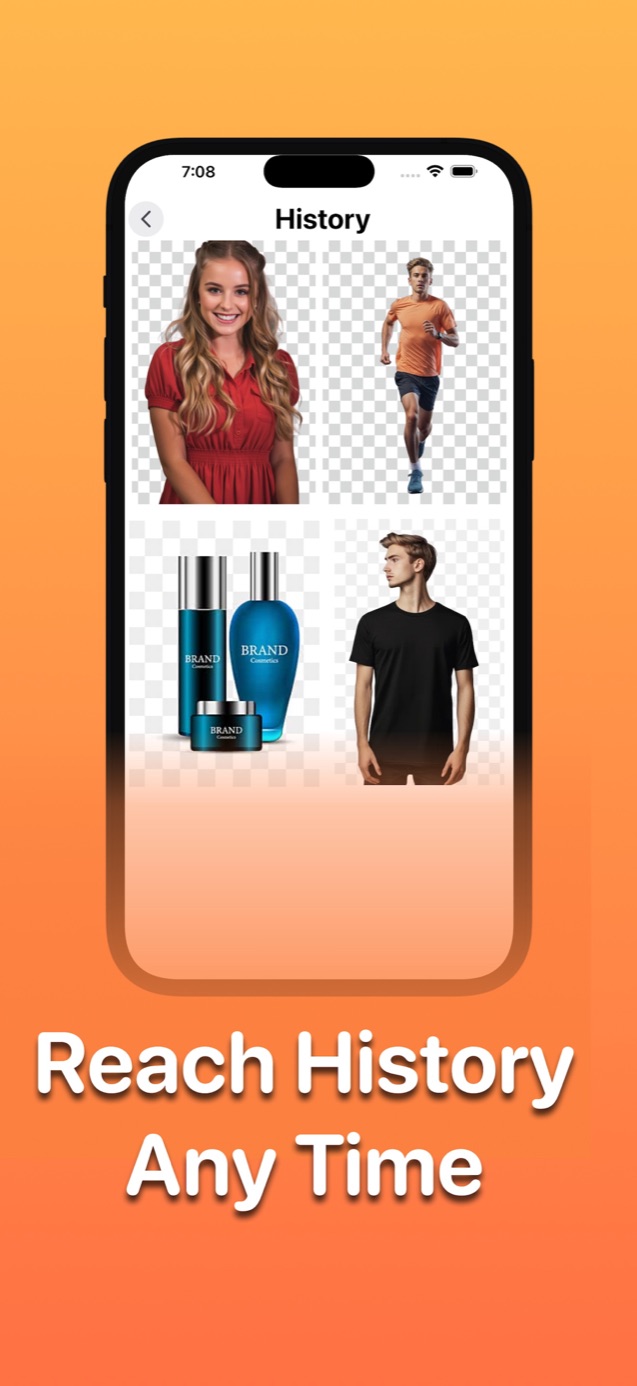
Key Features
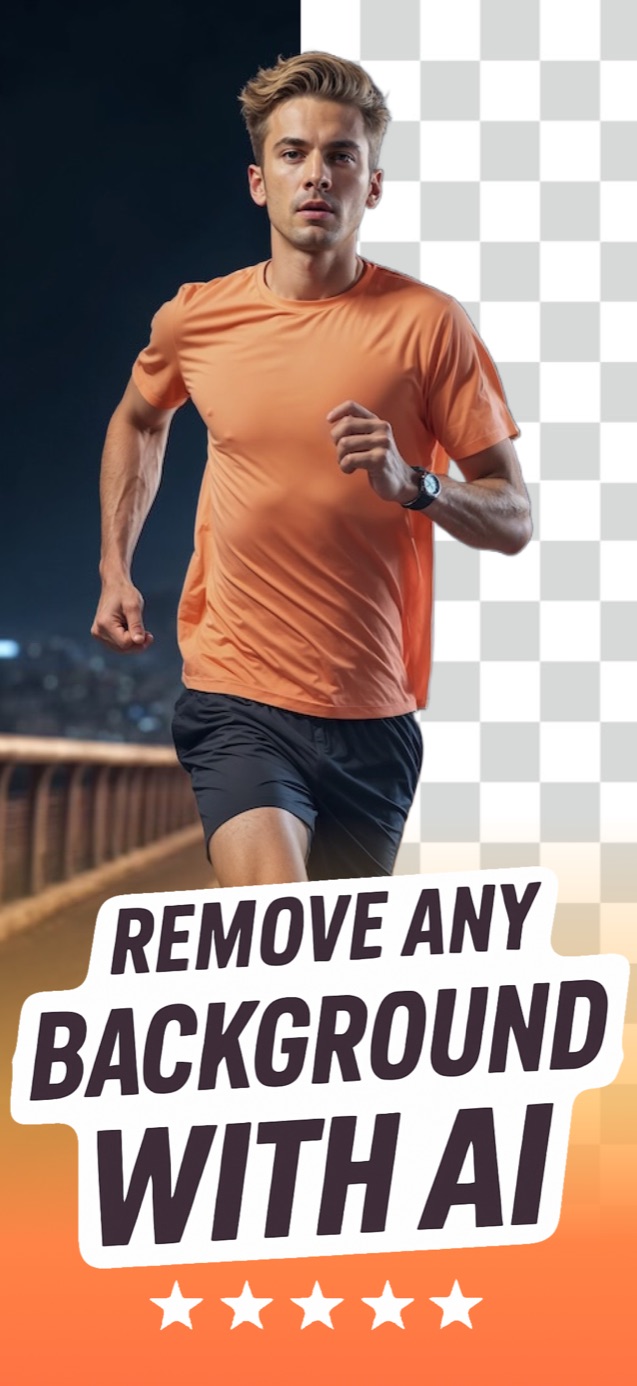
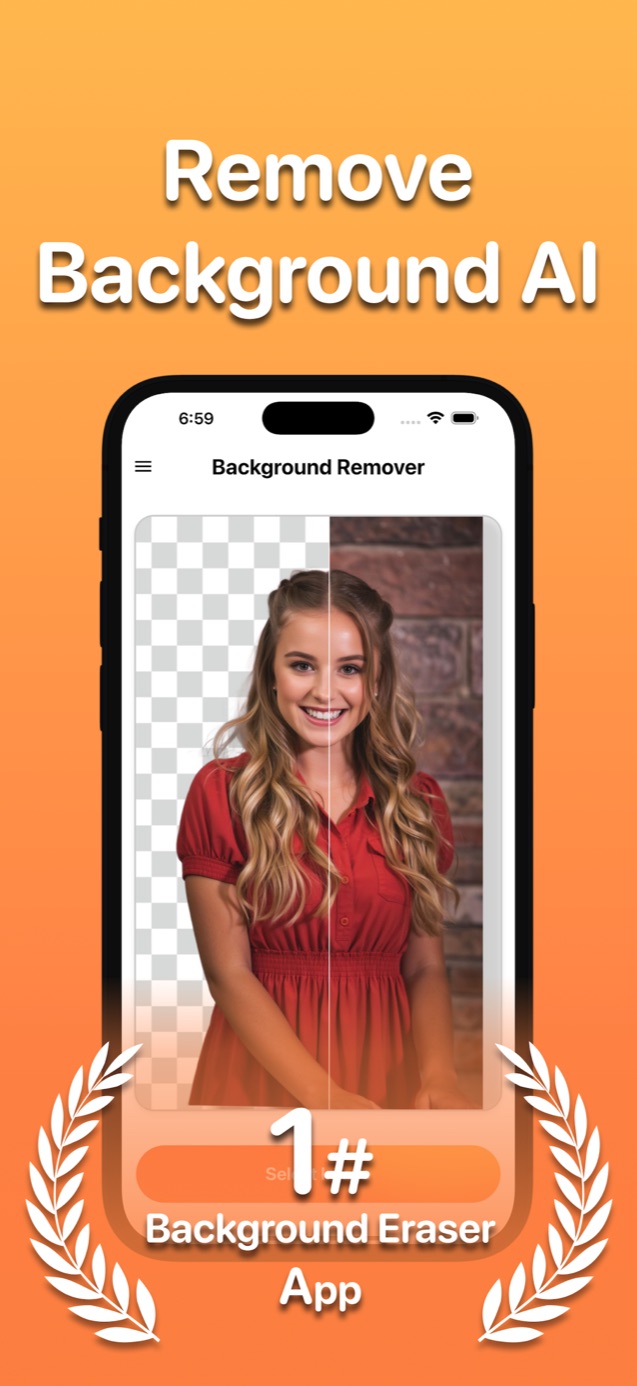
One-tap AI background removal
Transparent PNG export
Background replacement with custom images
High-quality edge detection for hair and fine details
Batch processing for multiple images
Perfect for product photos, portraits, and designs
About AI Eraser: Background Remover
AI Eraser makes removing backgrounds from any photo quick. Using advanced AI, it automatically detects the subject and removes the background in one tap — create clean transparent PNGs, replace backgrounds with new ones, or prepare images for product listings, profile pictures, and designs. High-quality edge detection handles hair and fine details for professional results. Whether you're an online seller, designer, or just cleaning up a photo, AI Eraser delivers crisp cutouts and lets you export in PNG with transparency or add custom backgrounds. Batch processing speeds up large jobs. Free to try on iOS and Android.
Frequently Asked Questions
How do I remove the background from a photo?
Open AI Eraser, upload your image, and the AI automatically detects the subject and removes the background in one tap. You can then export a transparent PNG or replace the background with a new color or image.
Can I make a transparent background PNG?
Yes. After removing the background, export your image as a PNG with full transparency — ideal for logos, product photos, stickers, and design work.
Does it handle hair and fine edges well?
Yes. AI Eraser uses high-quality edge detection to cut out hair, fur, and fine details cleanly, producing professional-looking results without manual masking.
Is AI Eraser free?
AI Eraser is free to download and try on iOS and Android, with optional premium features for unlimited use and advanced tools.
Get AI Eraser Free
Download free on iOS and Android. No credit card required.